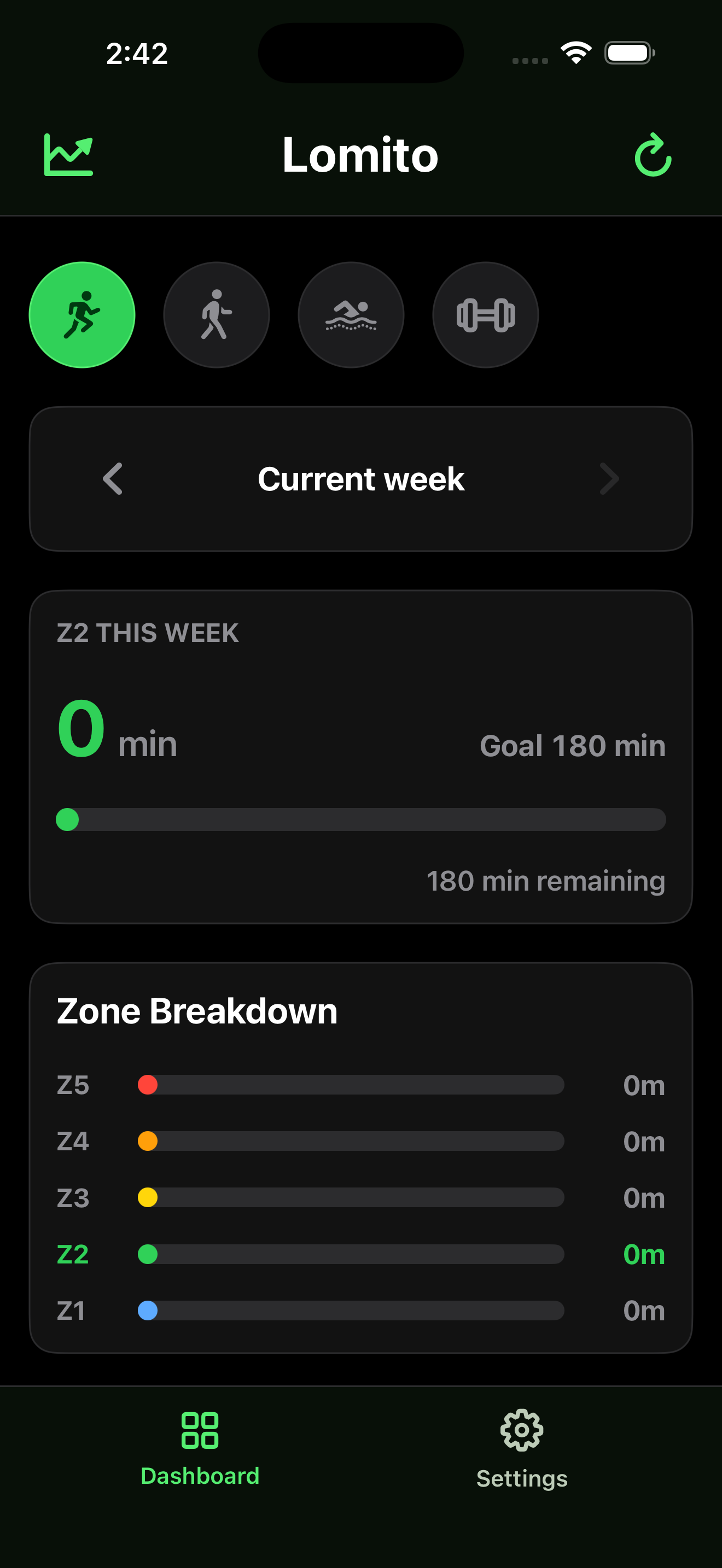
Weekly Zone 2 progress
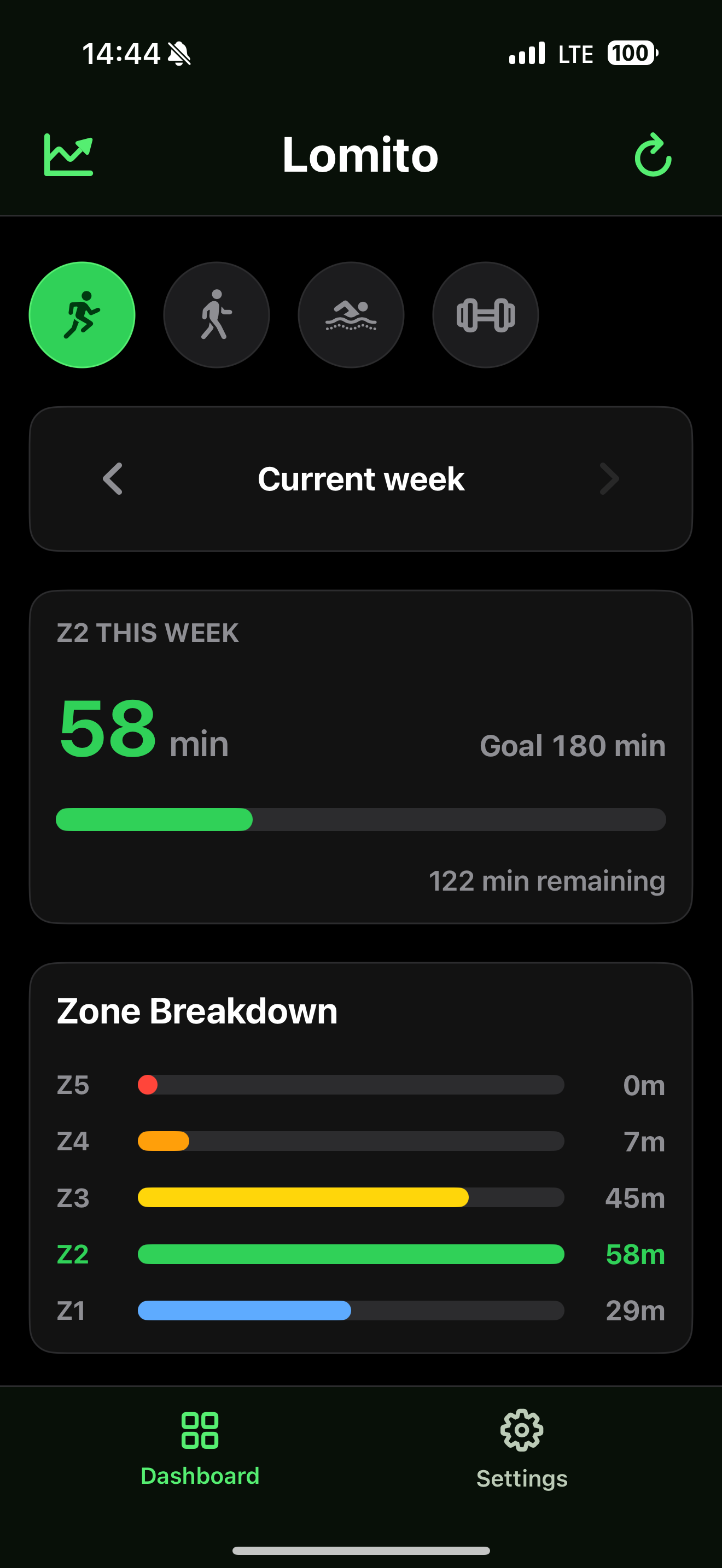
See completed minutes, target minutes, remaining time, and a compact progress bar for the current week.
iPhone training dashboard
Lomito reads your existing workouts and heart-rate samples, computes time in Z1-Z5 locally on your iPhone, and shows whether you are moving toward your weekly Zone 2 goal.
Built for weekly training
Lomito keeps the dashboard focused on the question that matters during base training: how much Zone 2 time did you collect this week?
See completed minutes, target minutes, remaining time, and a compact progress bar for the current week.
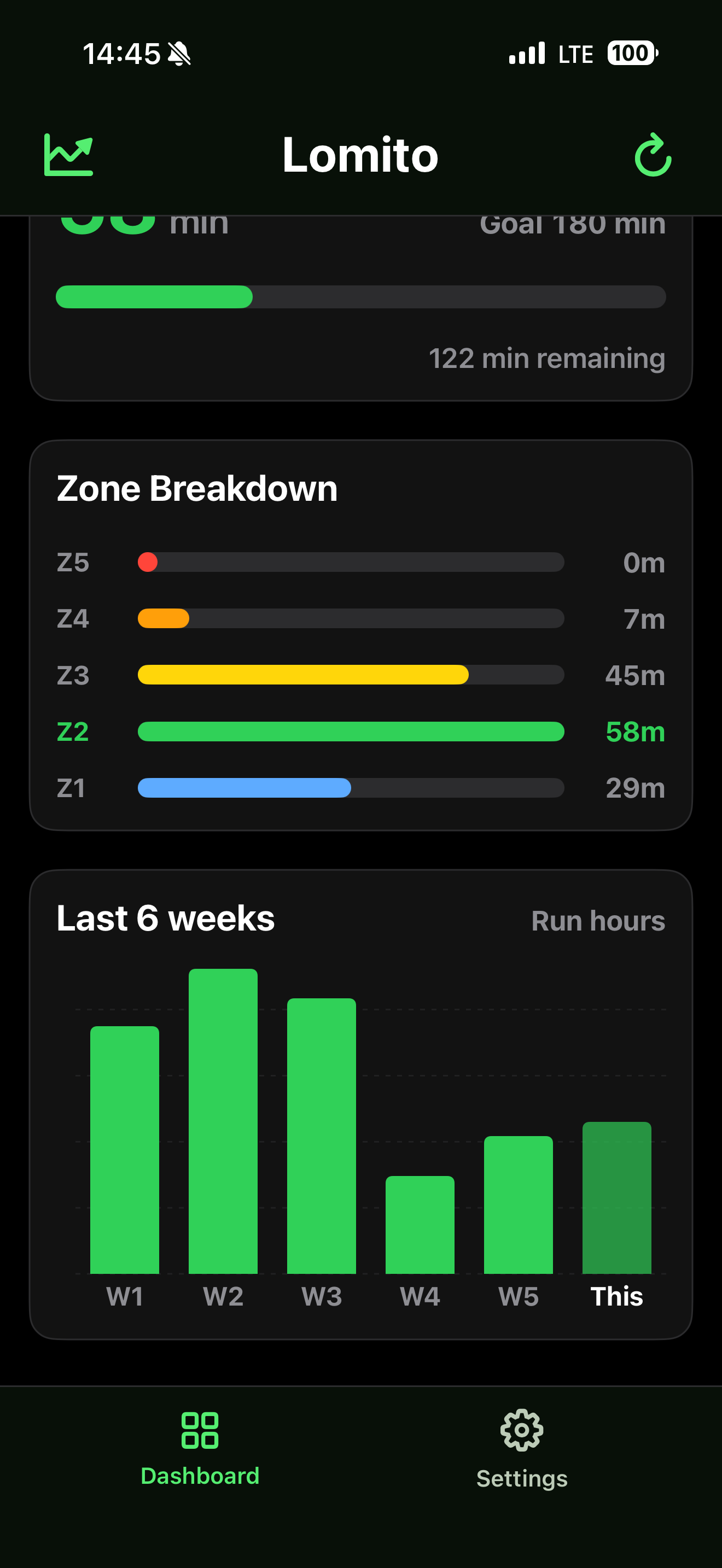
Review total time across all five heart-rate zones so harder and easier work stay visible beside your tracked goal.
Focus the dashboard on runs, walks, swims, or functional strength workouts saved in Apple Health.
Compare recent weekly workout duration in hours for the selected workout type.
Your thresholds
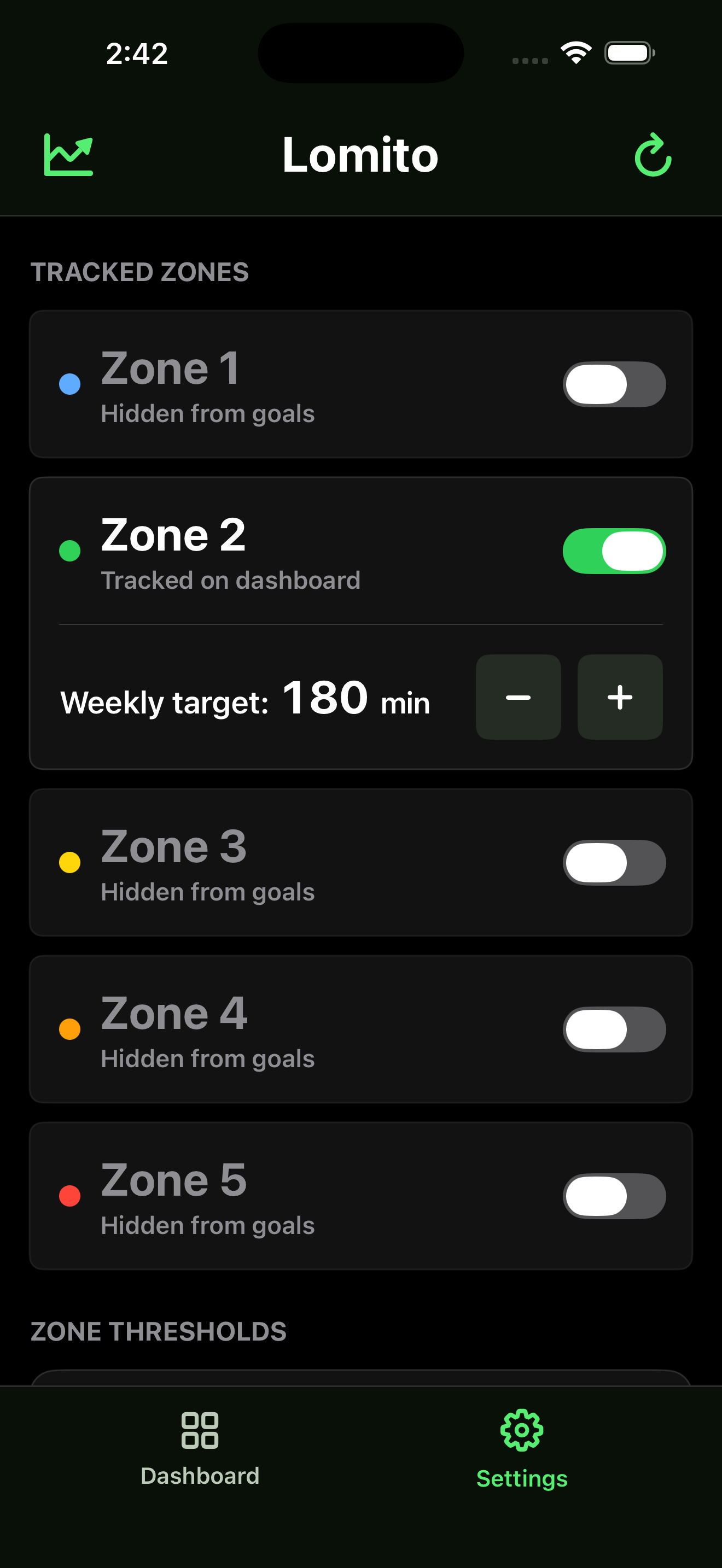
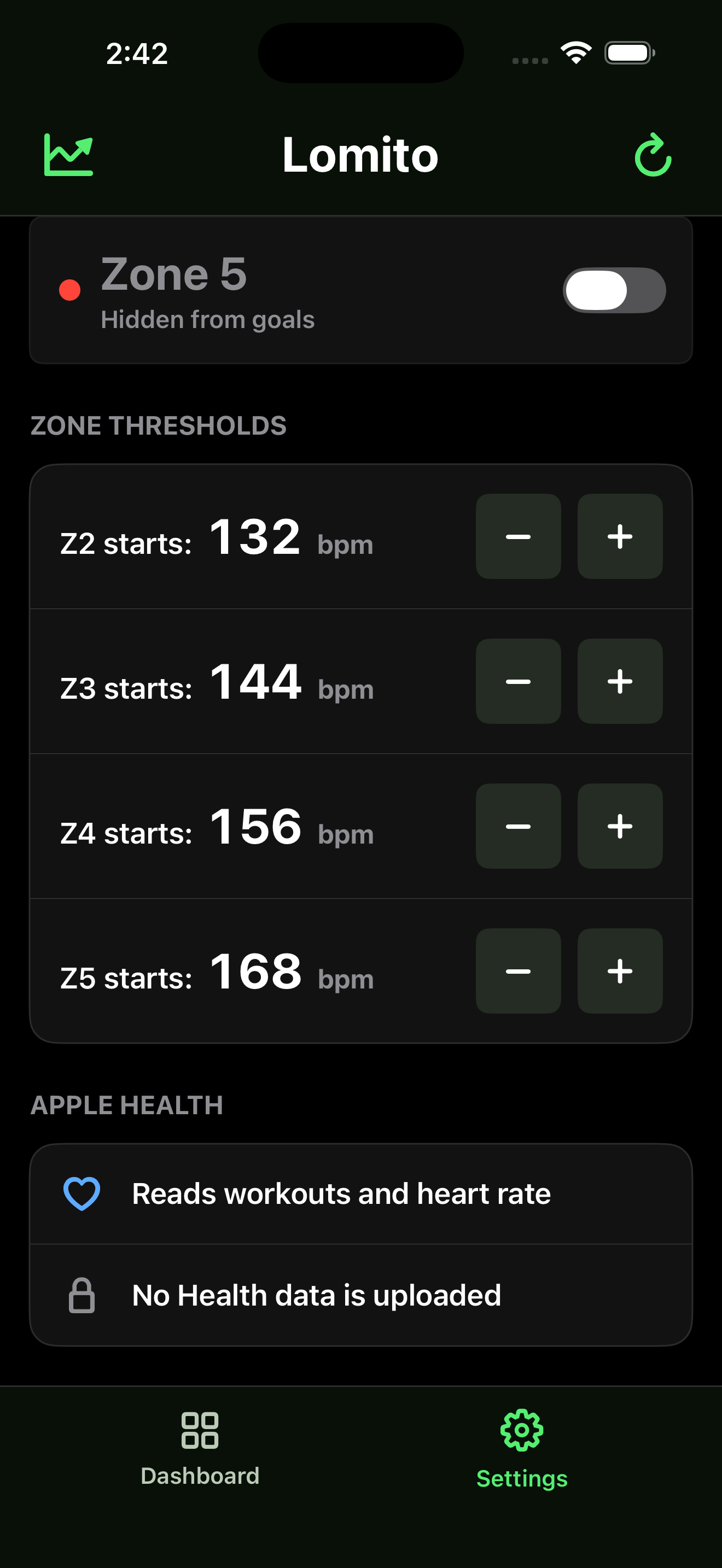
Track Zone 2 by default, add other zones when they matter, and tune local BPM thresholds so Lomito matches your Apple Fitness zones as closely as practical.
Private by design
Lomito requests read access for workouts and heart rate. It does not upload HealthKit data, does not write data back to HealthKit, and does not require a network service for the v1 app.
Screenshots